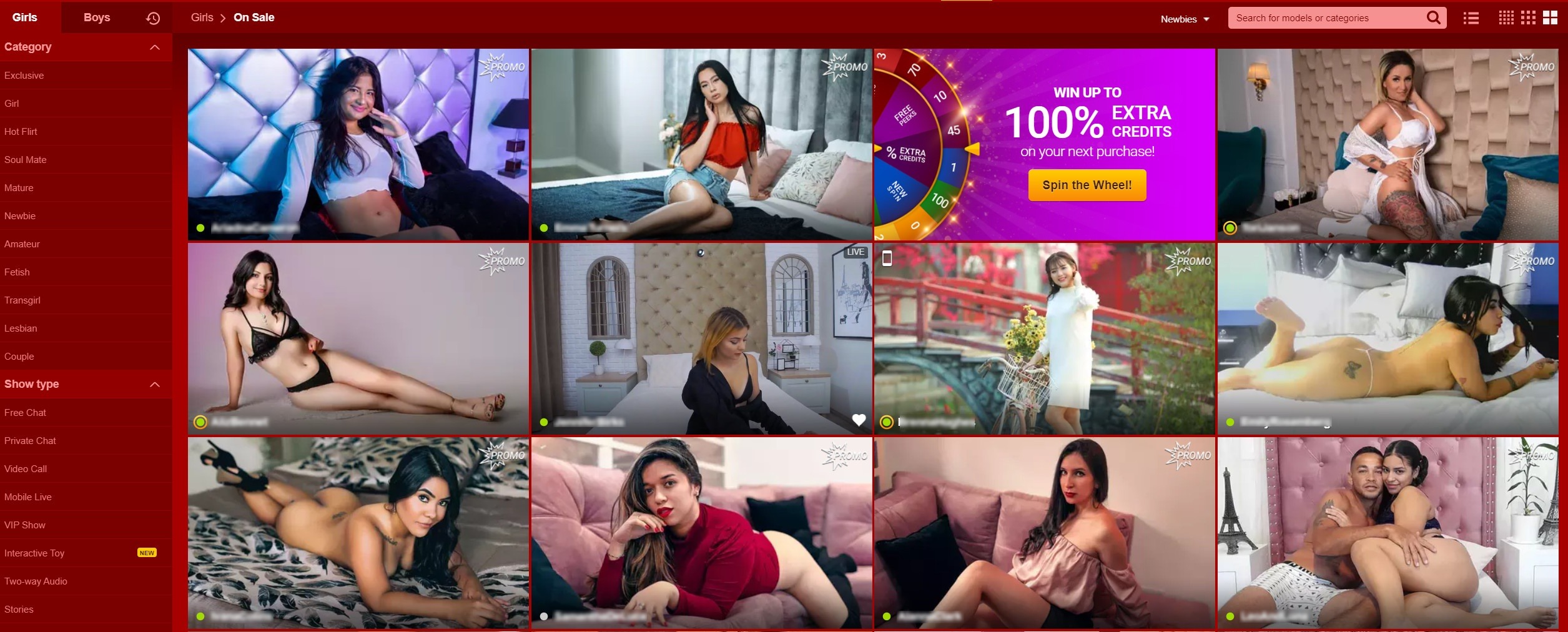
Promotion Period enables newly registered Models to get acquainted with the website.
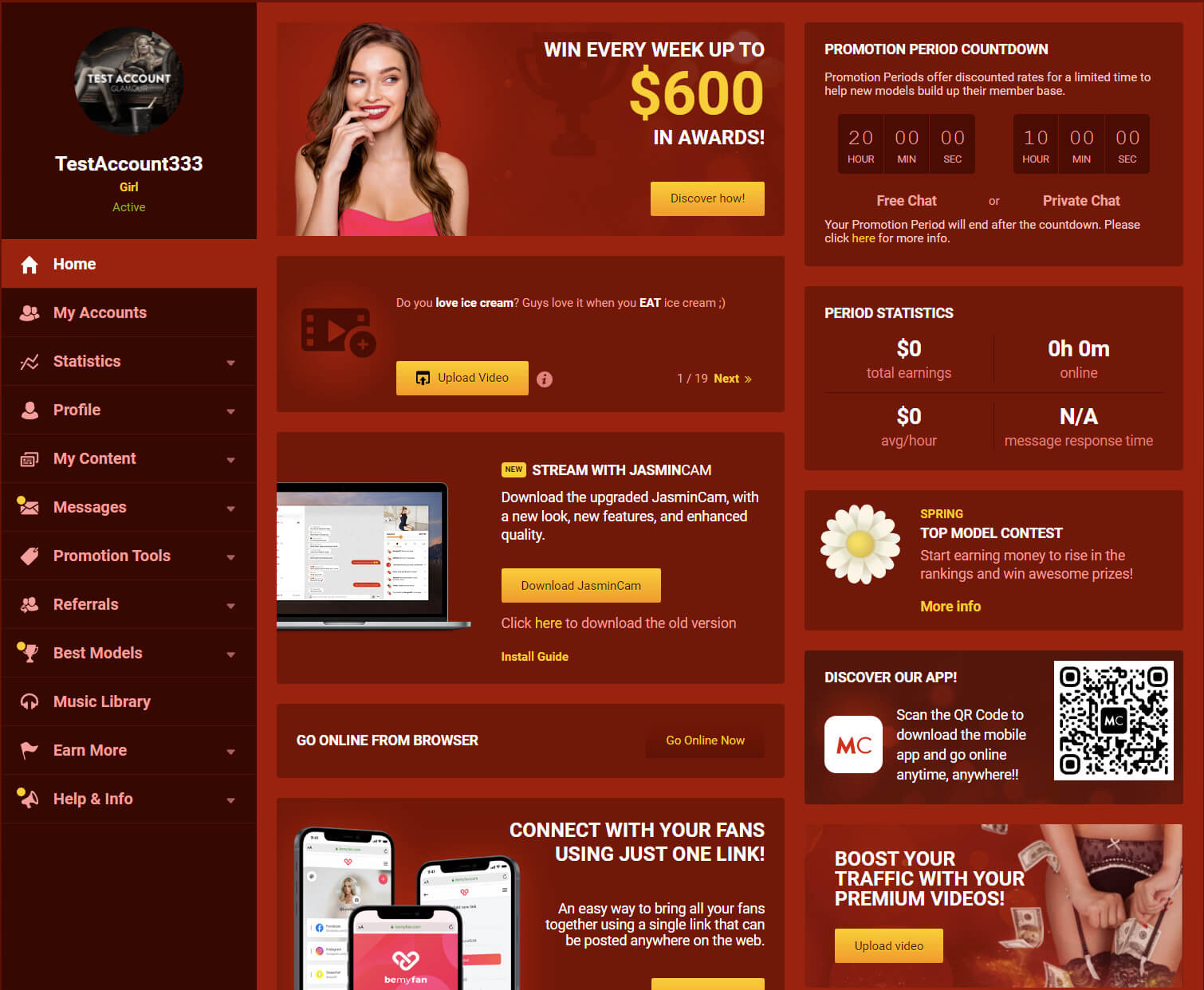
Models will need to spend up to 20 hours in Free chat area or 10 hours in Private sessions.
The Promotion Period ends when either counter reaches 0.
Newly created accounts’ default price per minute is 0.98$, but Models can freely change it.
After the Promotion period, the price per minute cannot be changed back to $0.98 again.
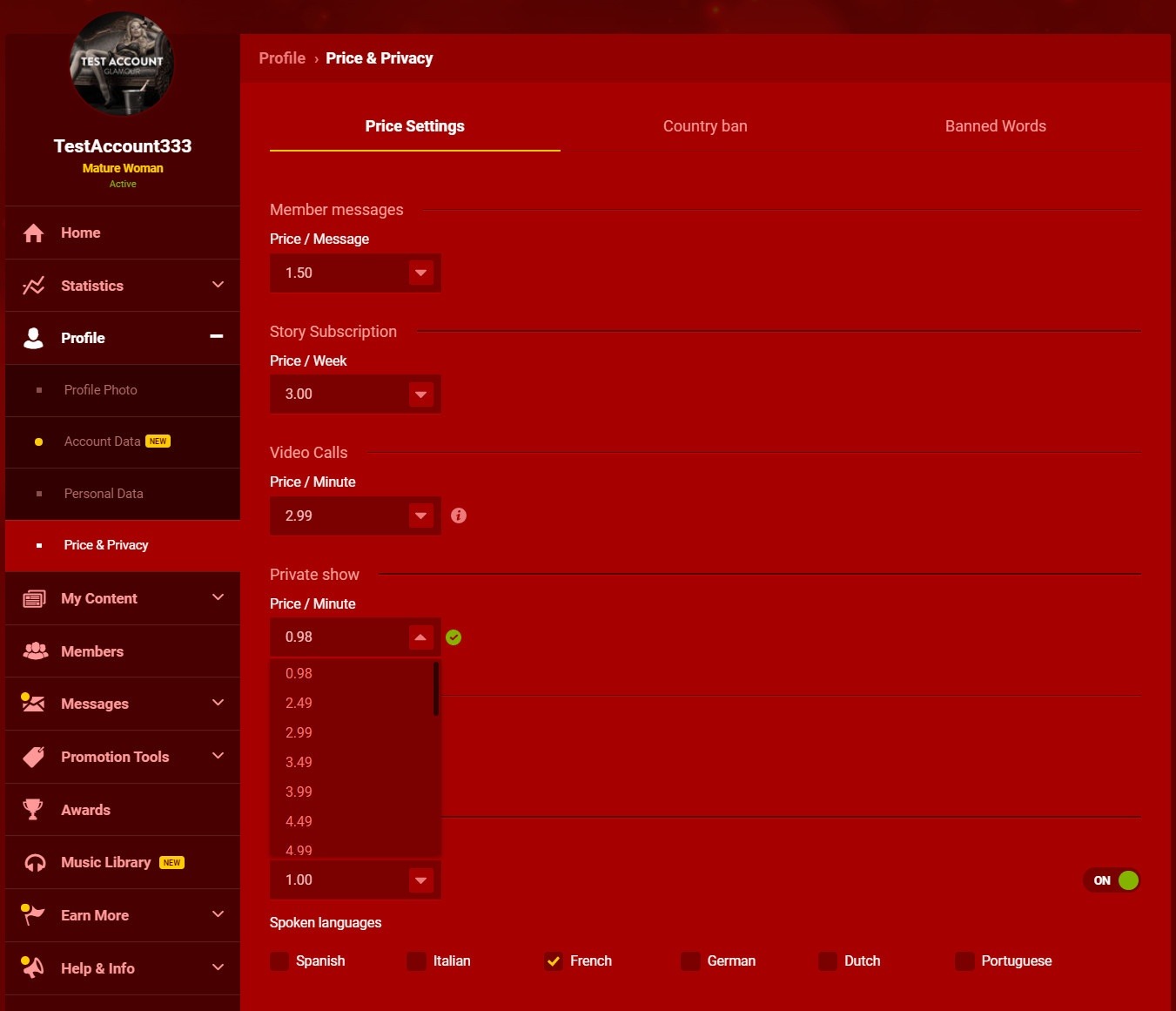
Once this period expires, Models will not be able to reset this option as a default one. It is important to point out that this option is for new Models only, it can not be used for multiple accounts.
If your price per minute is $0.98, you appear under the extremely popular Promo filter on the LiveJasmin listpage. Appearing in this filter may help you to build your own Member base on our site, which may help you to have a stable traffic on LiveJasmin.com. Do not miss it!